
Request and set meetings with multiple recipients with a single email
Stop the multi-recipient scheduling chaos with Dule’s AI scheduling assistant.
Add [email protected] to any email and Dule lines up a single slot that works for everyone on the thread—while you stay focused on real work.

_pfcB1WL7K46PXzeK0j38i-OgJUGhqz.png)
Use it Free — Save Hours This Week
Cc:
One CC. Done.
Why manual group scheduling hurts productivity
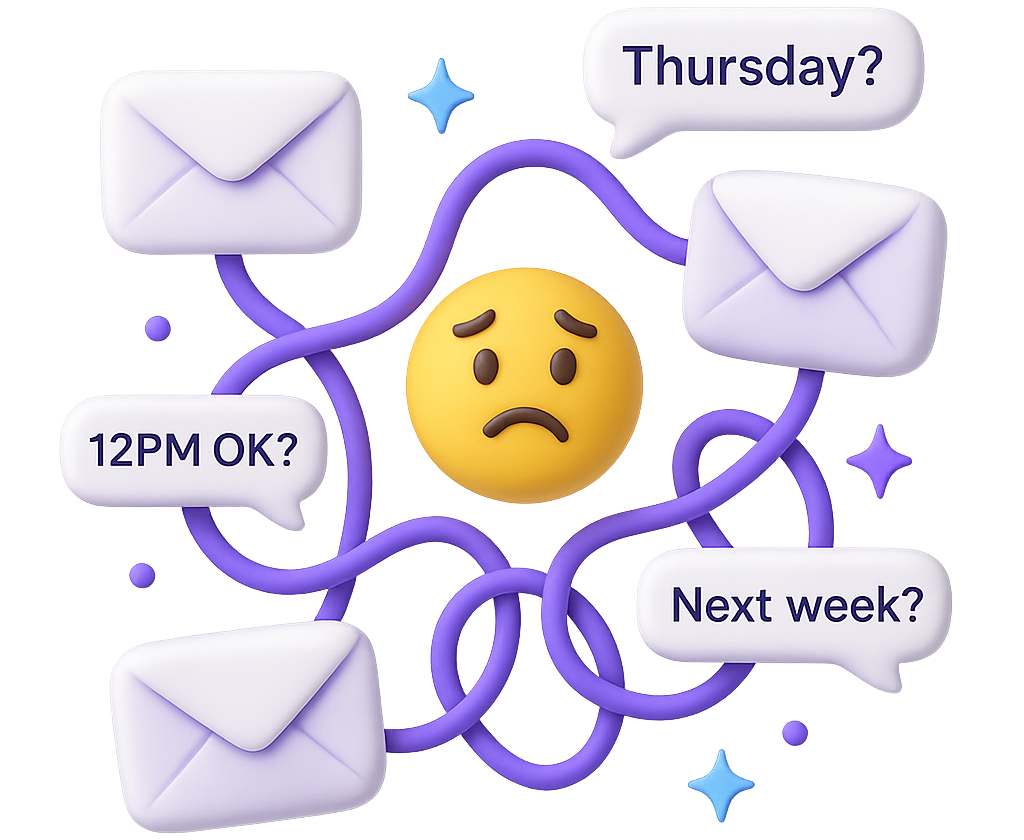
Email ping-pong
One simple lunch can spawn 5 “What about Thursday?” replies.
Context-switch cost
Each “quick check” jolts you out of deep work, and recovery takes minutes, not seconds.

Recipient friction
External guests dislike learning a booking page just to confirm one time.
Copy-paste errors
Manually copying emails into calendar invites?
It’s easy to miss someone or paste the wrong time.
How Request-a-Time works
- CC the assistant – add
[email protected]to any new or existing thread. - Calendar scan – Dule checks your availability against preset working-hour rules and buffers.
- Polite slot proposal – recipients see 3-5 clear options right inside the conversation and reply in plain language.
- Automated follow-up – if no one responds, Dule nudges the group until a consensus emerges.
- Instant invite – once everyone agrees, Dule automatically sends an invite on your behalf and updates the thread.
(All you did was write one email.)
Benefits you’ll feel immediately
Reclaim deep-work hours
Meetings get booked while you stay in flow.
Professional tone, zero learning curve
Recipients reply as they would to a human EA.
Stronger relationships
No impersonal booking links; you remain at the center of the conversation.
Less admin overhead Dule remembers your default duration, buffer, and preferred meeting title every time.
Perfect for…
- Panel interviews where candidates can’t access internal tools
- Cross-team project kick-offs
- Client success reviews with multiple decision-makers
- Coordinating board or investor updates with several stakeholders
Use it Free — Save Hours This Week
Cc:
One CC. Done.
Frequently asked questions
Q. Do my guests need a Dule account?
No. They just reply to the email.
Q. What if someone suggests a different time?
Dule recalculates availability and replies with fresh options.
Q. Can I set default meeting lengths or buffers?
Yes—configure once during calendar authorisation;
Dule remembers on every thread.
Ready to try it?
- Compose your normal “Lunch next week?” email.
- CC [email protected].
- Hit send.
That’s it—watch the thread schedule itself. Explore related guides: Auto-Coordinate and the full how-to hub.
Additional context
Request A Time is the heavier-duty coordination workflow for group scheduling in email. It is useful when one organizer needs several external people to agree on the same time and the hard part is not the first proposal, but the reminders, replies, and final convergence.
When Request A Time is the better fit
- Several recipients need to land on one agreed slot.
- The thread already exists and you want to keep the process inside email.
- You want Dule to keep following up until the group converges.
- A booking link would create unnecessary friction for the people involved.
Compare it to nearby workflows
| Workflow | Best when | Not ideal when |
|---|---|---|
| Quick Add | The meeting time is already decided | Timing still needs negotiation |
| Auto Coordinate | One inbound request needs simple slot proposals | Several recipients need heavier coordination |
| Request A Time | One organizer needs a group to agree on one slot | The meeting is already settled and only the invite remains |
See where this workflow matters in the comparison pages buyers read next
Request A Time is the workflow buyers look for when several people still need to land on one slot. These comparison pages show that multi-party coordination problem in context.
Interview Scheduling Software
Useful when recruiters and coordinators need separate candidate, interviewer, and hiring-manager threads before a time is confirmed.
Legal Scheduling Software
Read these pages when outside counsel, witnesses, and internal teams all need to coordinate on separate conversations before the date is locked.
Healthcare Scheduling Software
Relevant when coordinators need to land one time across patients, specialists, and staff who do not all share the same system.
PR and Media Scheduling Software
Helpful for interview and briefing workflows where a comms team still needs journalists, spokespeople, and internal stakeholders to converge on one slot.
Stop managing your calendar — start commanding it
Cc: