
Find a fair meeting time across time zones without juggling world clocks, spreadsheets, or long reply-all chains.
Dule is an email-native time zone meeting planner: CC [email protected] on the thread and it can compare participant availability, account for local time zones and daylight-saving changes, propose workable slots, and send the calendar invite after the group agrees.
Convert less
Each proposed slot is written in the local time that matters to each participant.
Coordinate availability
Use the calendars and constraints behind the conversation, not only a city-to-city offset.
Book from the thread
Keep the discussion, proposed times, confirmations, and invite in one email workflow.
See the time-zone meeting planner in an email thread
This example shows Dule collecting constraints, presenting each option in the recipients’ local times, and sending the invite after the group confirms.

_pfcB1WL7K46PXzeK0j38i-OgJUGhqz.png)
Use it Free — Save Hours This Week
Cc:
One CC. Done.
What is a time zone meeting planner?
A time zone meeting planner helps people in different locations find a workable time to meet. A basic world clock meeting planner converts the same moment between cities. A fuller meeting scheduler also considers working hours, calendar availability, daylight-saving time (DST), and who should carry the inconvenience of an early or late call.
Dule takes the fuller approach from inside email. It is most useful when several people need to agree, calendars matter, or a booking link would push the coordination work onto a guest. For a one-off conversion between two cities, a simple world clock may be all you need.
How to find the best time to meet across time zones
- List every participant's city or IANA time zone. City names are easier to check than memorized abbreviations such as CST, which can mean different zones.
- Set acceptable working hours. Start with each person's normal day, then record whether an occasional early or late meeting is acceptable.
- Convert the proposed date, not only the usual offset. DST changes happen on different dates by country, so a familiar offset can be wrong for part of the year.
- Check calendars inside the overlap. A mathematically valid hour is not useful when a participant is already booked.
- Rotate inconvenient times. Recurring global meetings are fairer when the same office is not always asked to join early or late.
Example working-hour overlaps
These examples are starting points, not fixed conversions. Always verify the actual date because DST can shift the relationship between locations.
| Teams | Typical overlap to inspect | Planning note |
|---|---|---|
| New York and London | New York morning / London afternoon | Usually a comfortable same-day window; recheck around DST transition weeks. |
| San Francisco and London | San Francisco early morning / London late afternoon | The overlap is narrower, so calendar conflicts matter more. |
| New York and India | New York morning / India evening | Keep the call short and rotate the burden for recurring meetings. |
| San Francisco and India | San Francisco early morning / India evening | Normal office hours rarely overlap; async preparation or rotating times can be fairer. |
The manual world-clock workflow
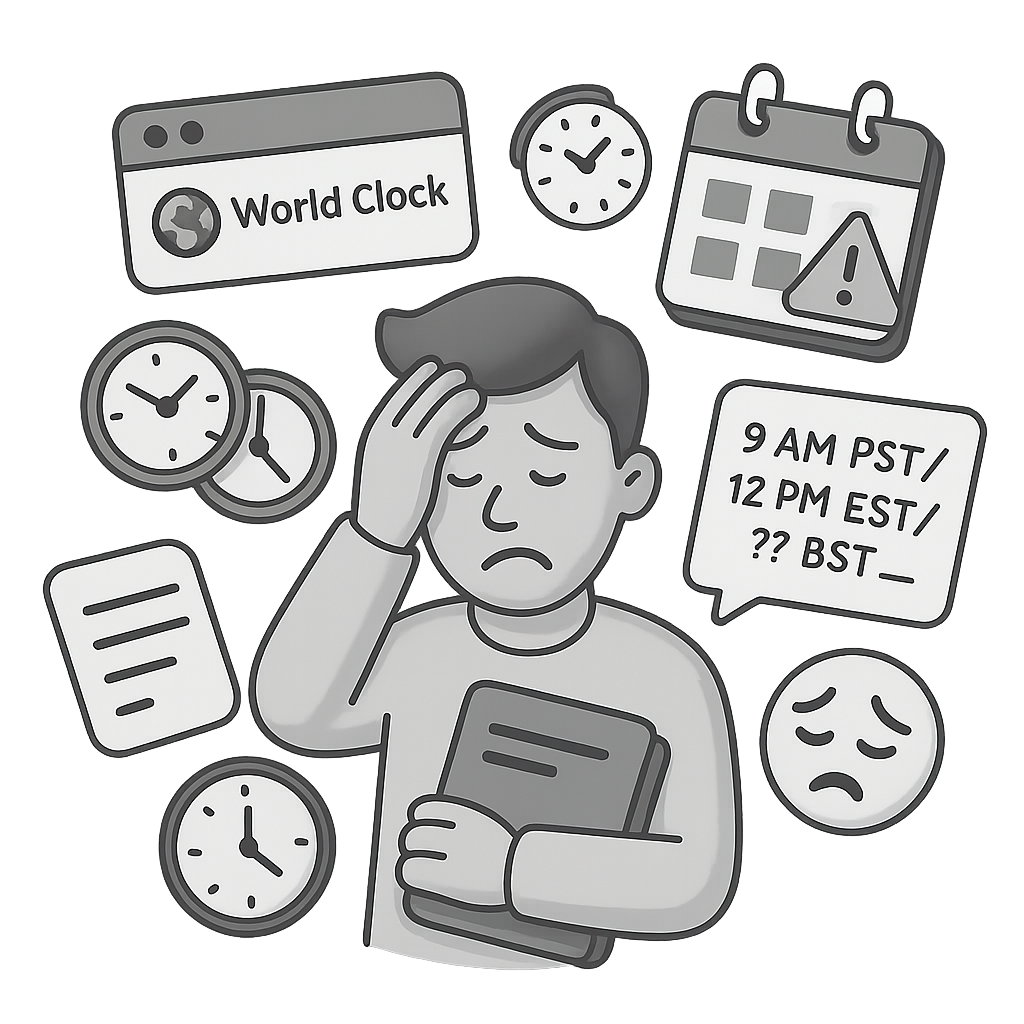
- Open a world clock and add every city.
- Find the working-hour overlap for the meeting date.
- Cross-check everyone's calendar.
- Email several options in multiple local times.
- Recalculate when the date or attendee list changes.
- Create the event after the replies converge.
A time-zone calculator solves the conversion step. It does not necessarily solve calendar conflicts, follow-ups, changes, or the final invite. Those coordination steps are where an email-native planner becomes useful.
How Dule schedules a meeting across time zones
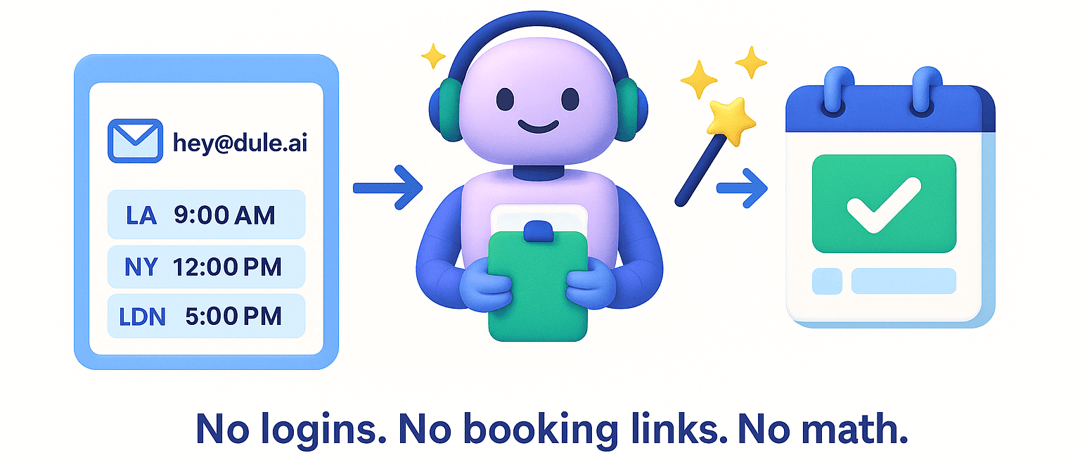
- CC [email protected]. Ask for a meeting in the same email thread as the participants.
- Let Dule gather the missing constraints. It uses the locations, calendars, and preferences available to the conversation and asks when important information is missing.
- Choose from localized options. Dule proposes workable slots, formats them for the participants, and sends the invite when the group confirms.
World clock vs booking link vs Dule
| Method | Best for | What you still handle |
|---|---|---|
| World clock meeting planner | Quickly converting one proposed time between cities | Availability, negotiation, follow-ups, and the invite |
| Booking-link scheduler | Letting a guest choose from one host's open slots | Getting everyone to use the link and resolving multi-person constraints |
| Dule in email | Coordinating several people without leaving the conversation | The group makes the decision; Dule handles the scheduling workflow |
Tips for fair international meeting scheduling
- Write the date with the month spelled out to avoid day/month ambiguity.
- Include the time zone with every proposed time; do not send “3 PM” by itself.
- Prefer local city names or IANA zones over ambiguous abbreviations.
- For recurring calls, rotate early and late slots across regions.
- Send an agenda in advance when someone must join outside normal hours.
- Use asynchronous updates when there is no humane overlap.
Frequently asked questions
Is there a free time zone meeting planner?
Several world-clock tools let you compare cities for free. They are a good fit for a simple conversion. Dule is free to start and is designed for the additional work of coordinating availability and completing the booking from email.
How do I handle daylight-saving time when planning a meeting?
Convert the exact meeting date, not a memorized time difference. Countries change clocks on different dates, and some places do not observe DST. Recheck recurring meetings after any participant's local clock change.
What is a fair time for a global team meeting?
Start with the overlap between normal working hours. If no comfortable window exists, rotate the inconvenience, shorten the meeting, and share an agenda or recording. Fairness over a series of meetings matters more than forcing the same region into an early or late slot every time.
Can a meeting planner account for calendars as well as time zones?
Some tools only display local times. Dule is built to coordinate the people and calendars in the email workflow, so proposed slots can reflect availability instead of only a theoretical overlap.
Do participants need a Dule account or booking link?
No. Participants can stay in the email conversation. The organizer CCs Dule, and recipients can respond in the thread.
Keep exploring Dule's scheduling workflows
- Browse the Dule how-to guides.
- See how the AI scheduling assistant works.
- Coordinate several conversations with multi-thread scheduling.
- Ask someone for options with Request a Time.
- Explore scheduling workflows for recruiters.
- Compare Dule with other approaches in the comparison hub.
Plan the next global meeting without opening another world-clock tab
CC Dule on the conversation and keep the time-zone math, availability checks, replies, and invite in one place.